
Features
SARTrack manages the whole Operation: where everyone is, what they are doing, and everything that was said and decided. Built for the field, where the internet is often not there.
Below: Search and Rescue. For emergency communications and Emergency Operations, see EMCOMM and Emergency Management.
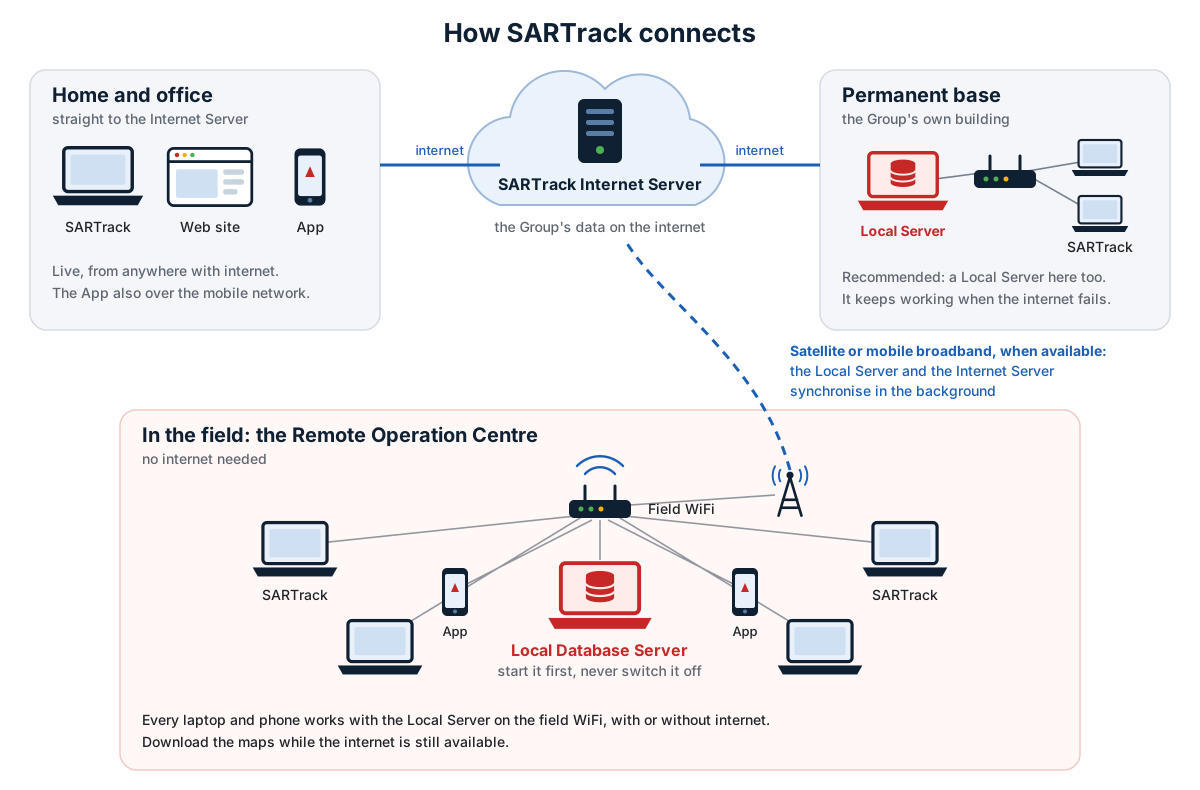
Works in the field, without internet
- A local Database Server on the field WiFi: every laptop connects to it by itself, no network set-up.
- All laptops stay in sync: a map on one, the Operations Log on another, the Time Line on a third.
- With internet, the local Server also syncs with the Internet Server: the Operation is then on the web site and in the App too.
- Every window can go on its own screen, or a projector.
- Maps are stored on the laptop and work offline.
Maps
- OpenStreetMap-based topographic and satellite maps, and the New Zealand LINZ maps.
- Download whole areas beforehand, for use without internet.
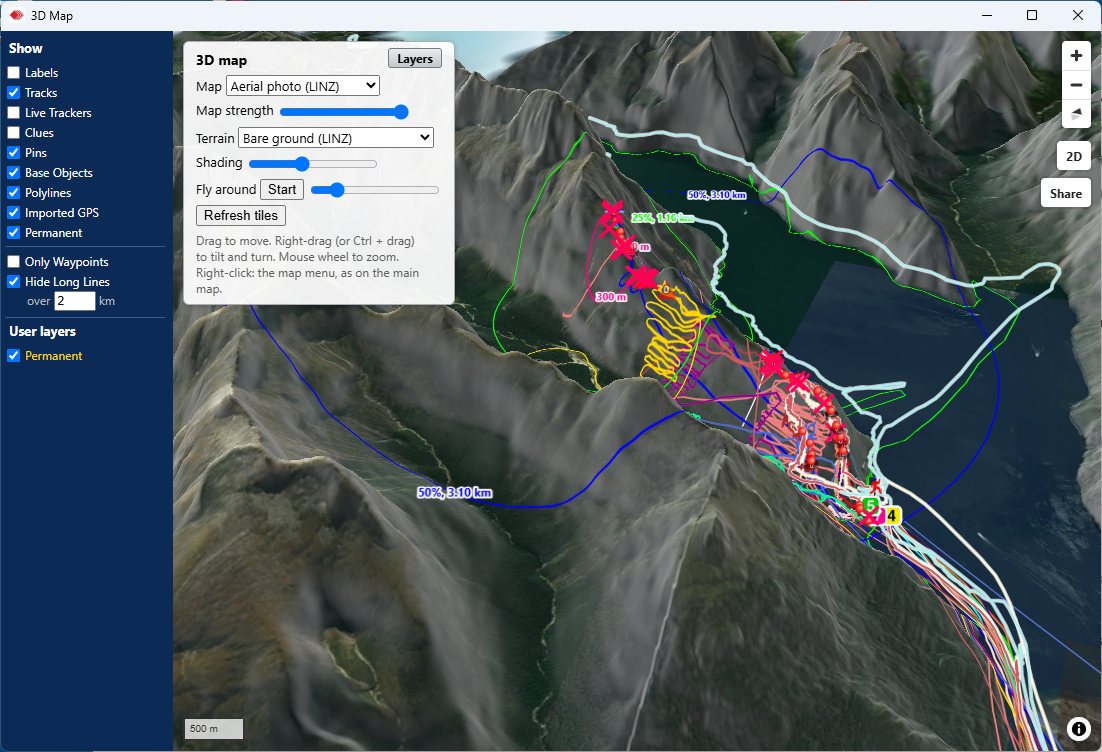
- A 3D map with the terrain, the Teams and their tracks.
- Search areas, lines and Objects drawn on the map show on every connected screen.
- Weather overlays.
Every tracker on one map
- APRS, by radio (TNC) or over the internet.
- Commercial radios with a built-in GPS: Tait, Icom, Kenwood FleetSync, Motorola and Hytera.
- Satellite trackers, AIS for vessels, and aircraft.
- The SARTrack App on the phones of the Teams.
- GPS tracks imported from hand-held GPS devices (GPX, KML).
- Each with its Tactical name and its own track colour, live on every screen.
Screenshot coming: trackers and tracks on the map
images/shot-tracking.pngThe Operations Log
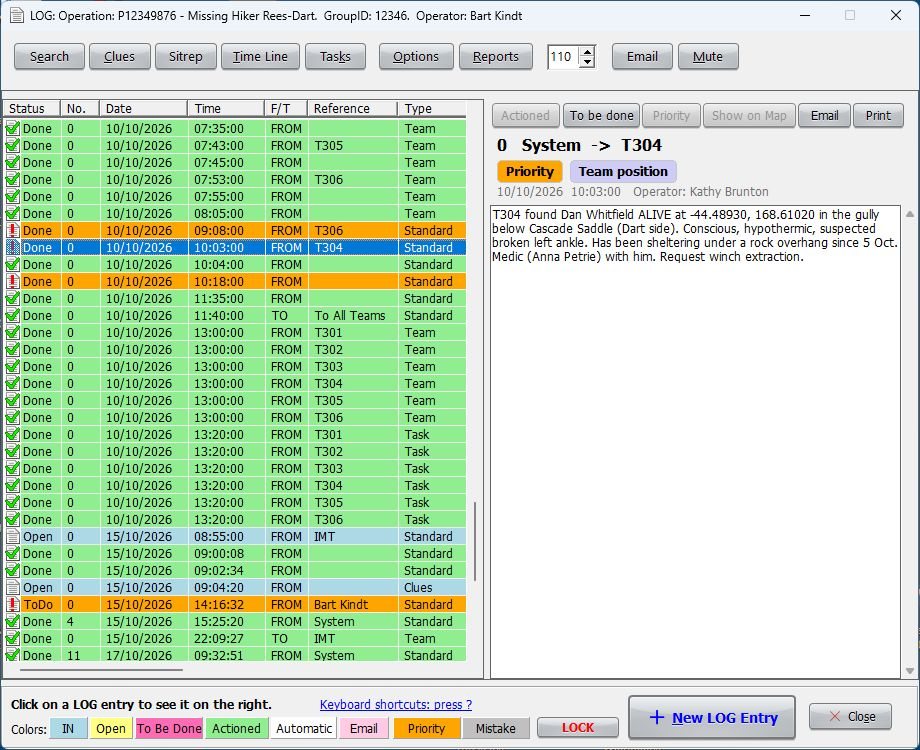
- The heart of SARTrack: every action of the Operation on one Log.
- A quick entry screen for the radio operator, between the Teams in the field and the management.
- Entries are marked as actioned when dealt with; priority entries stand out.
- Messages and many other events are logged automatically.
- The Time Line, Clues and Sitreps windows show the Log in their own way.
- A full Operation Log for the debrief, the evaluation, and Police or coroner inquiries.
Teams and Tasks
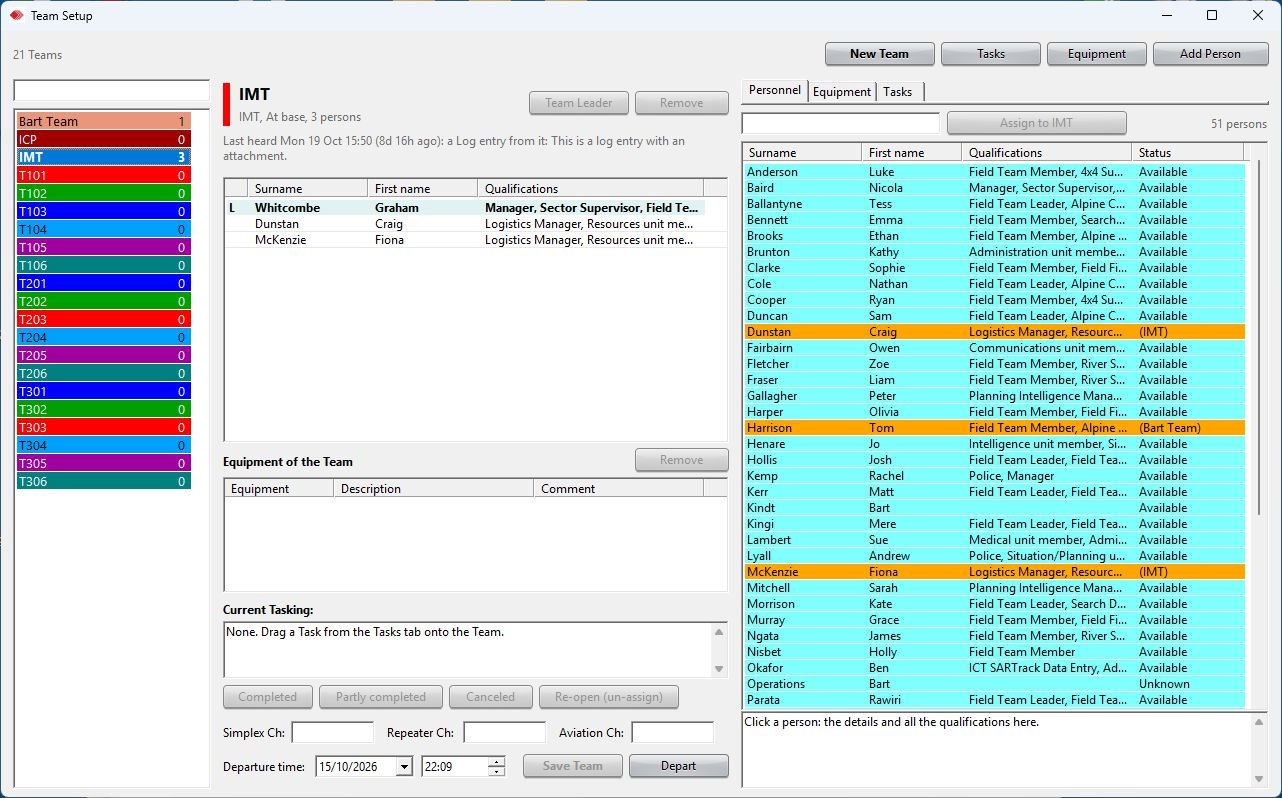
- Team Setup: the people, equipment and Task of every Team.
- Team status at a glance: at base, travelling out, in the field, returning, overdue.
- Tasks with their search area on the map and attachments.
- The Dashboard: the whole Operation in one window, also for a wall screen.
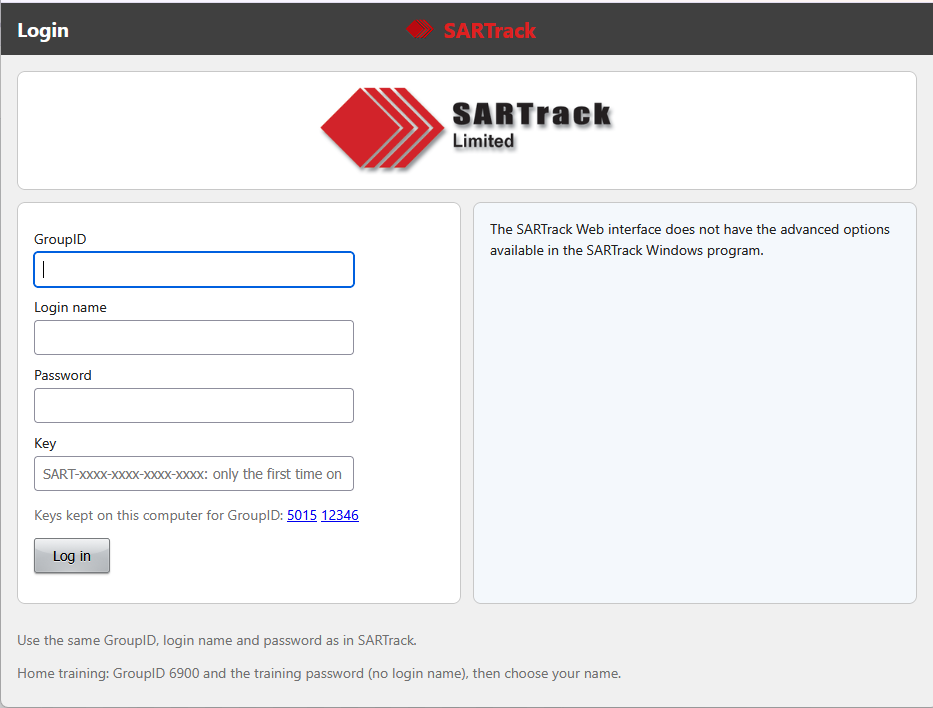
Personnel and Equipment
- Your people with their contact details, qualifications and availability.
- Arrival and status of everyone on the Operation.
- Equipment handed out by barcode scanning, which can link a radio tracker to its Team at once.
- Operation Periods: the managers of each period, and the handover in multi-day Operations.
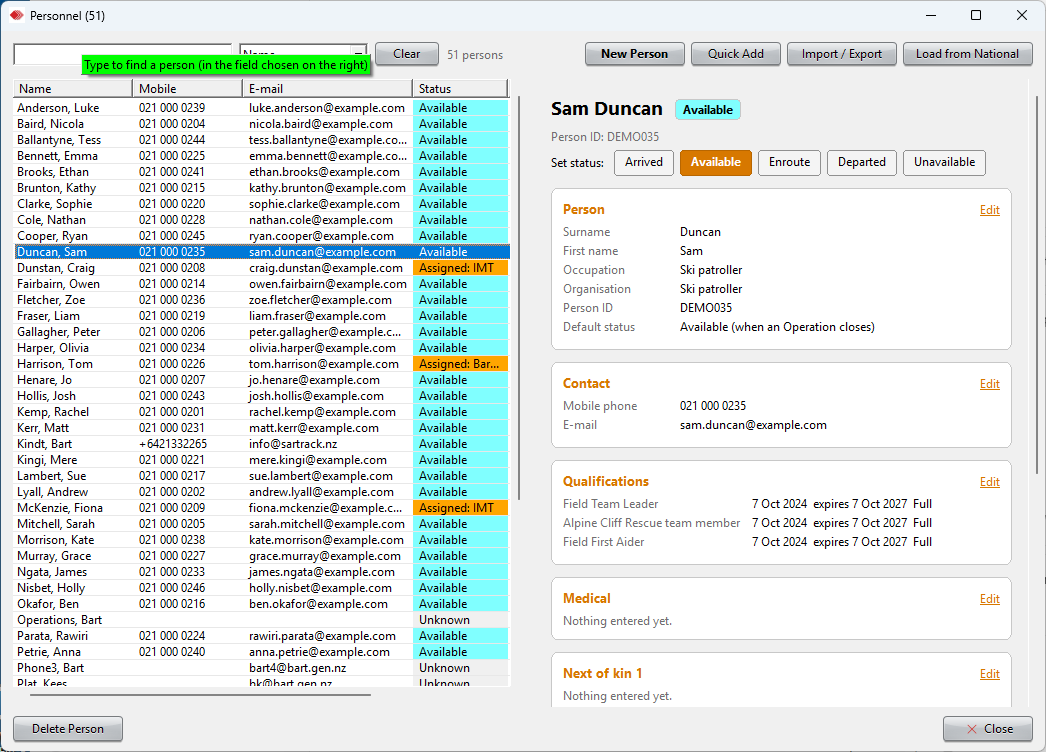
Missing Person and Search Urgency
- Missing Person forms with all the details, photos, the Last Known Position and the Point Last Seen.
- The international Search Urgency calculation.
- Statistical rings and dispersion angles, based on the International Search & Rescue Incident Database (ISRID) and Lost Person Behavior by Robert Koester, and a travel circle from the time last seen.
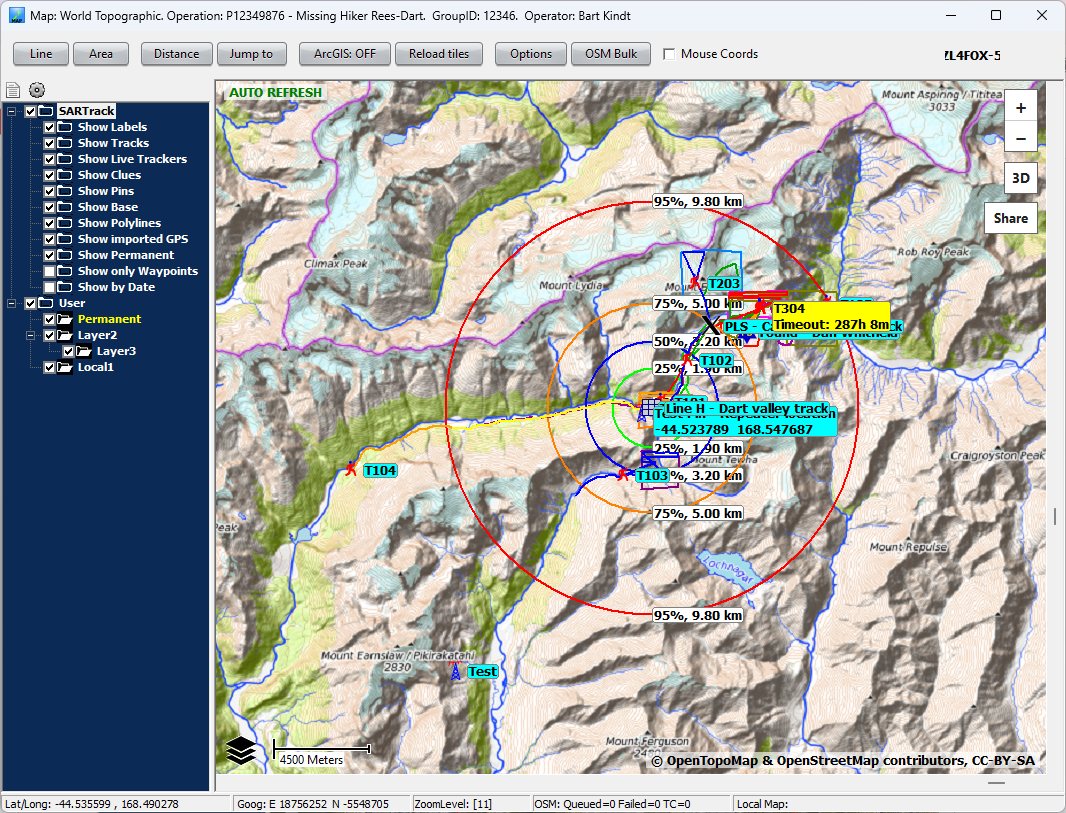
Messages and e-mail
- Messages between stations and Teams, and to everyone in the organisation, in chat windows.
- Messages to radio and satellite trackers.
- The organisation's e-mail in the Operations Log.
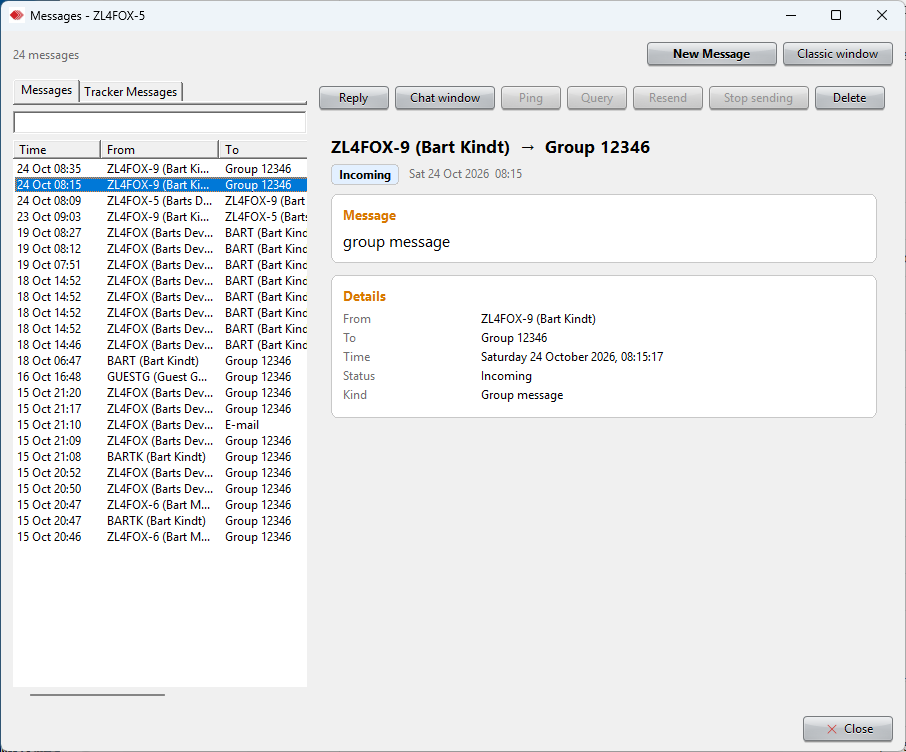
The web site
- The Operation in a browser on any PC: the map, the Log, Teams, Tasks, Personnel and Messages.
- Live: changes appear at once.
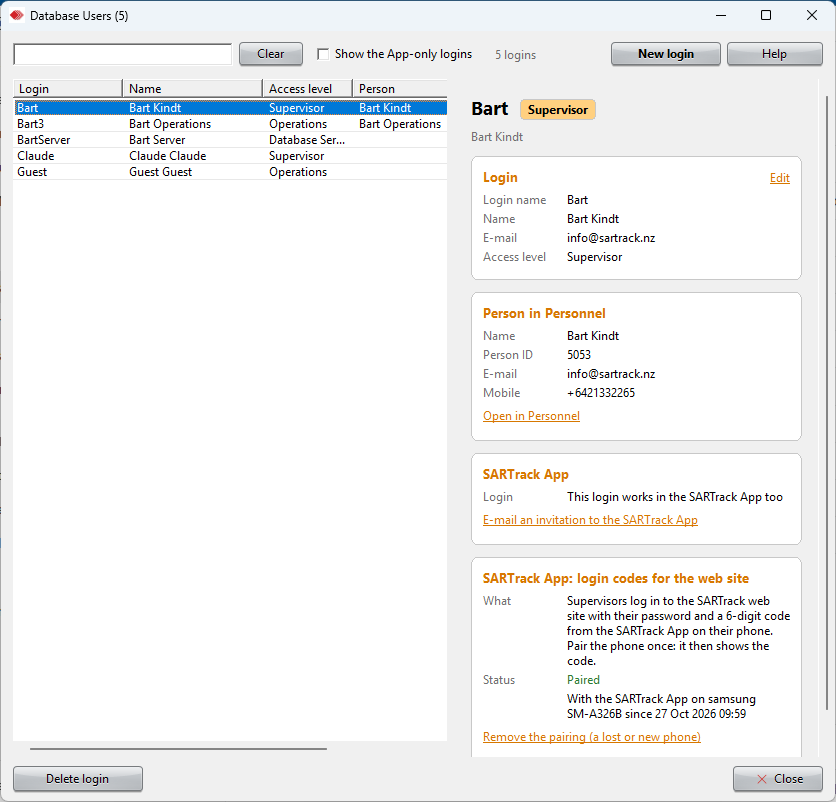
- Supervisors log in with a password and a code from the SARTrack App.
- Share the map and the Sitreps of an Operation with someone outside, by a link.
The Android App
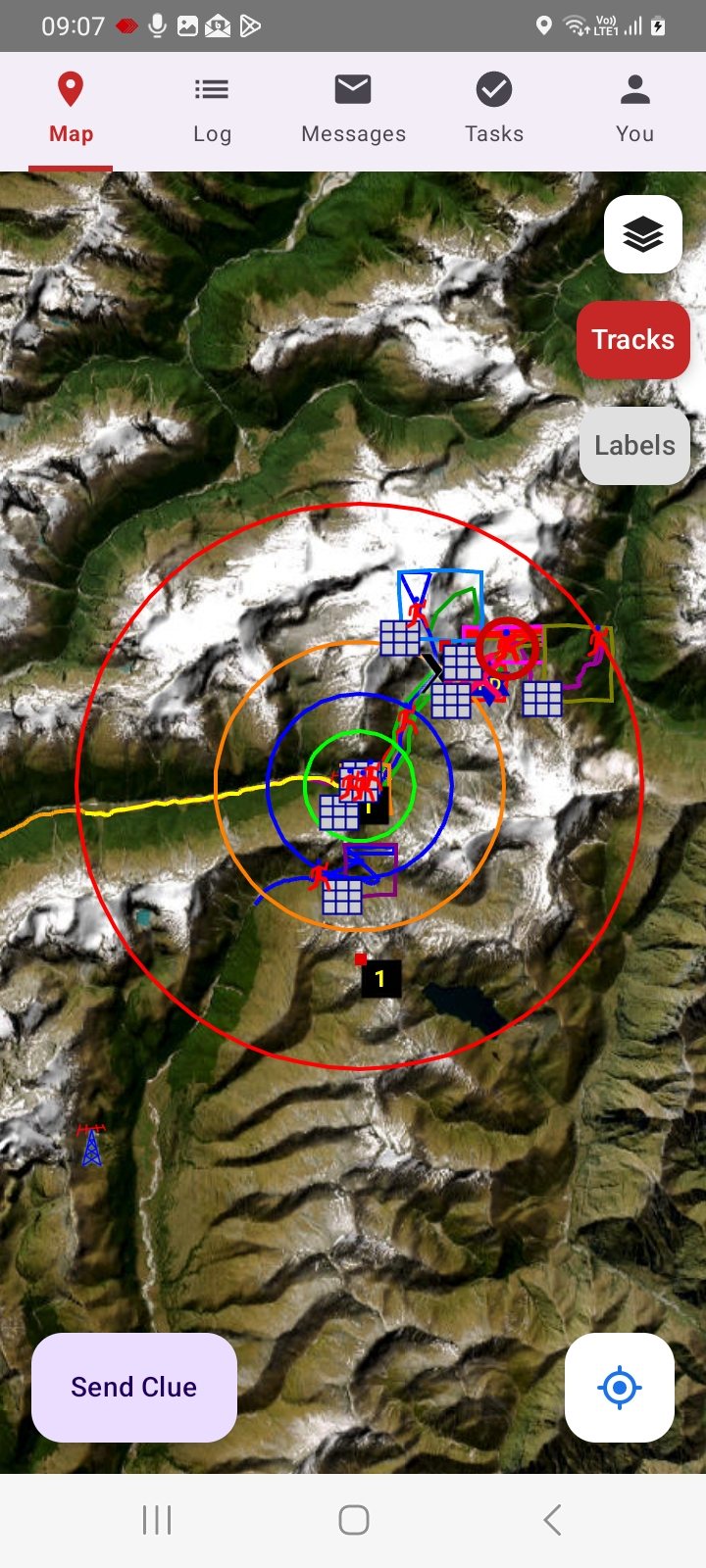
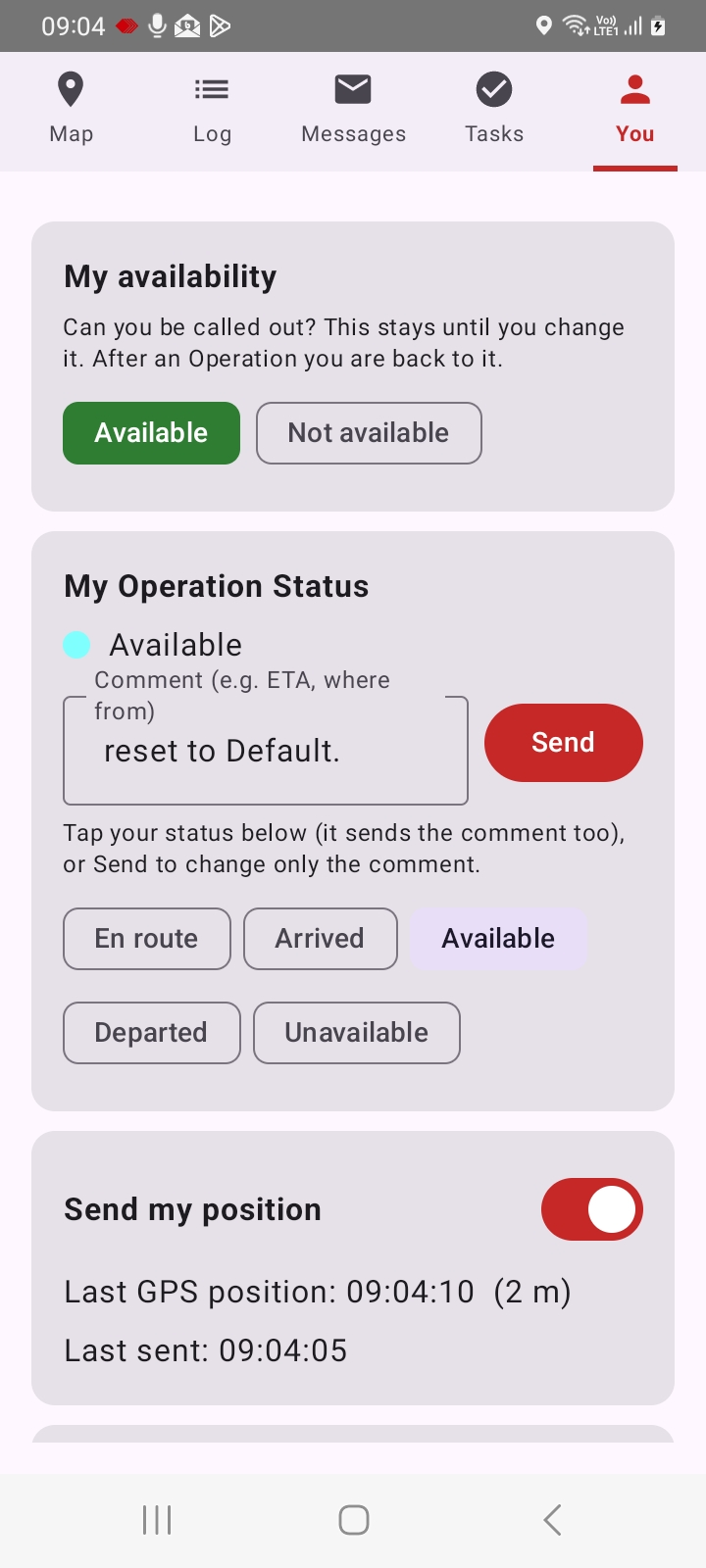
- Sends the position of the Team, using little battery.
- Clues with photos, Messages, Tasks and the Log, in the field.
- Keeps everything while out of coverage, and sends it when back in range.
- Finds the local Server on the field WiFi by itself.
Secure
- Every connection between the programs is encrypted.
- Each organisation sees only its own data.
- Logins with access levels, from read-only to Supervisor.
SARTrack for your organisation?
Tell us what you need, and we will send you the pricing.